Highlight your area
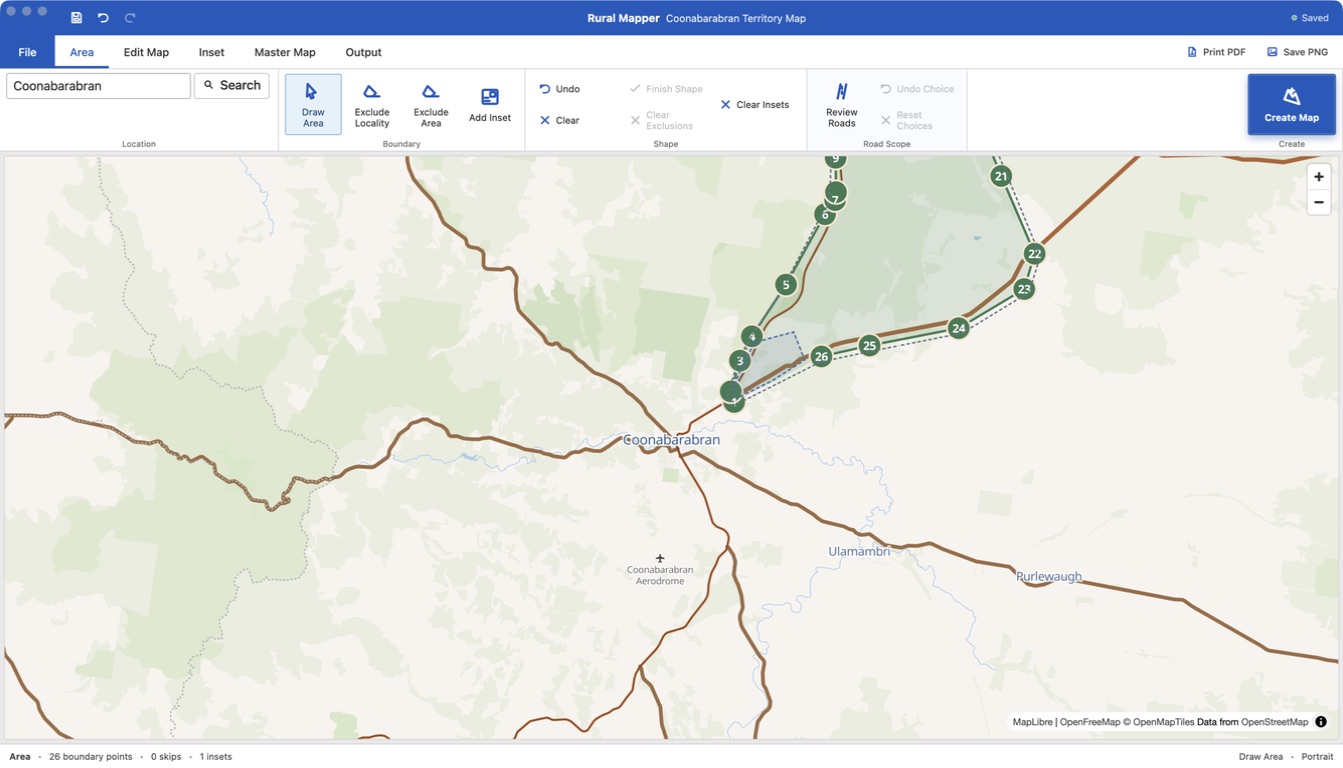
Find the place on the map and click around the area you need.
SMALL TOOLS FOR REAL JOBS
Here's some software that could help your congregation or assembly. Make rural territory maps and train your ears for clearer sound.
Start with Rural MapperMAP MAKING, WITHOUT THE FUSS
Make clear, printable rural territory maps without drawing every road by hand. Start with an area you select, or import an existing map and keep working from there.
Hand-drawn maps take time, and a road or property in the wrong place can make a rural territory harder to use. Satellite imagery shows the real landscape, but all that detail can be difficult to read on a printed map.
Rural Mapper gives you a simpler view. Highlight the area you need, use the real-world roads as a starting point, then turn it into a clean, hand-drawn-style map. Add property markers, names and notes where they help the congregation, and move them around until the map reads clearly.
Already have maps? Import them and continue editing instead of starting again. When you are happy with the result, print or share a PDF or PNG.
Find the place on the map and click around the area you need.
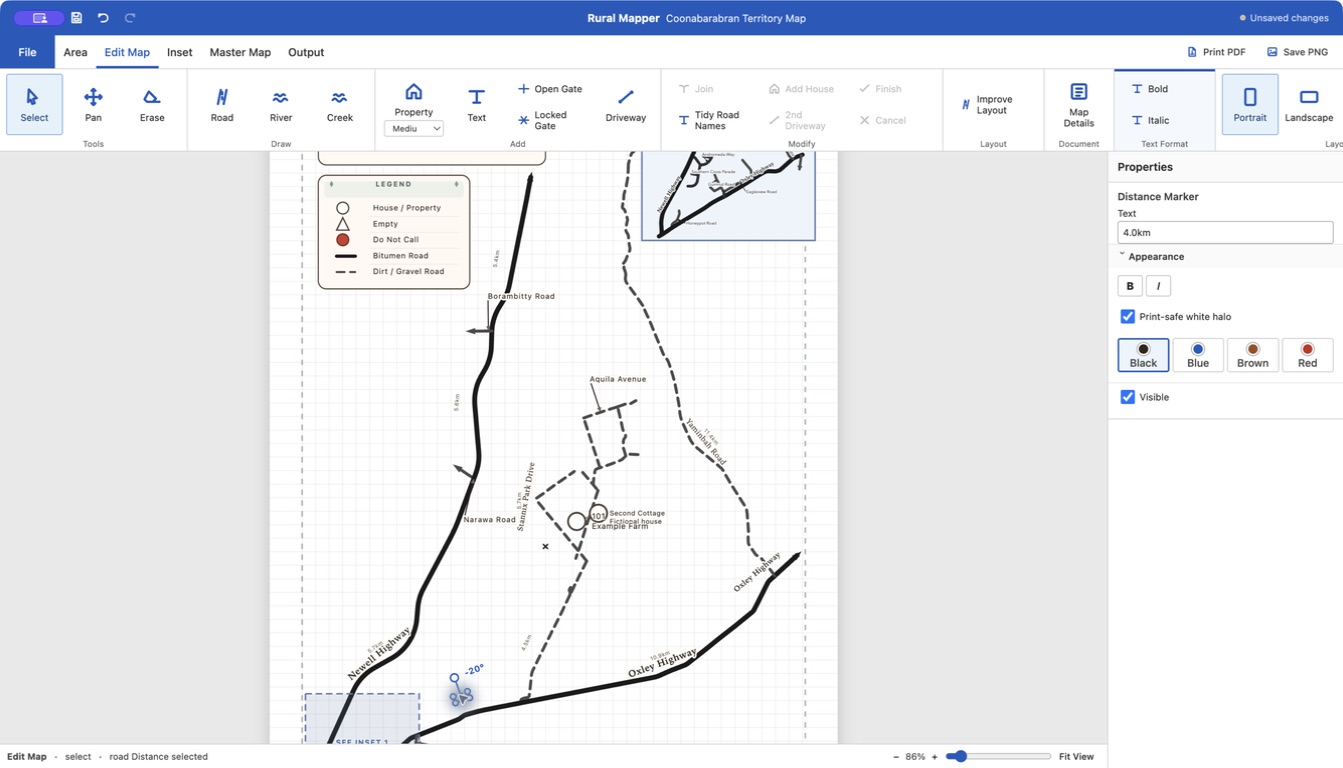
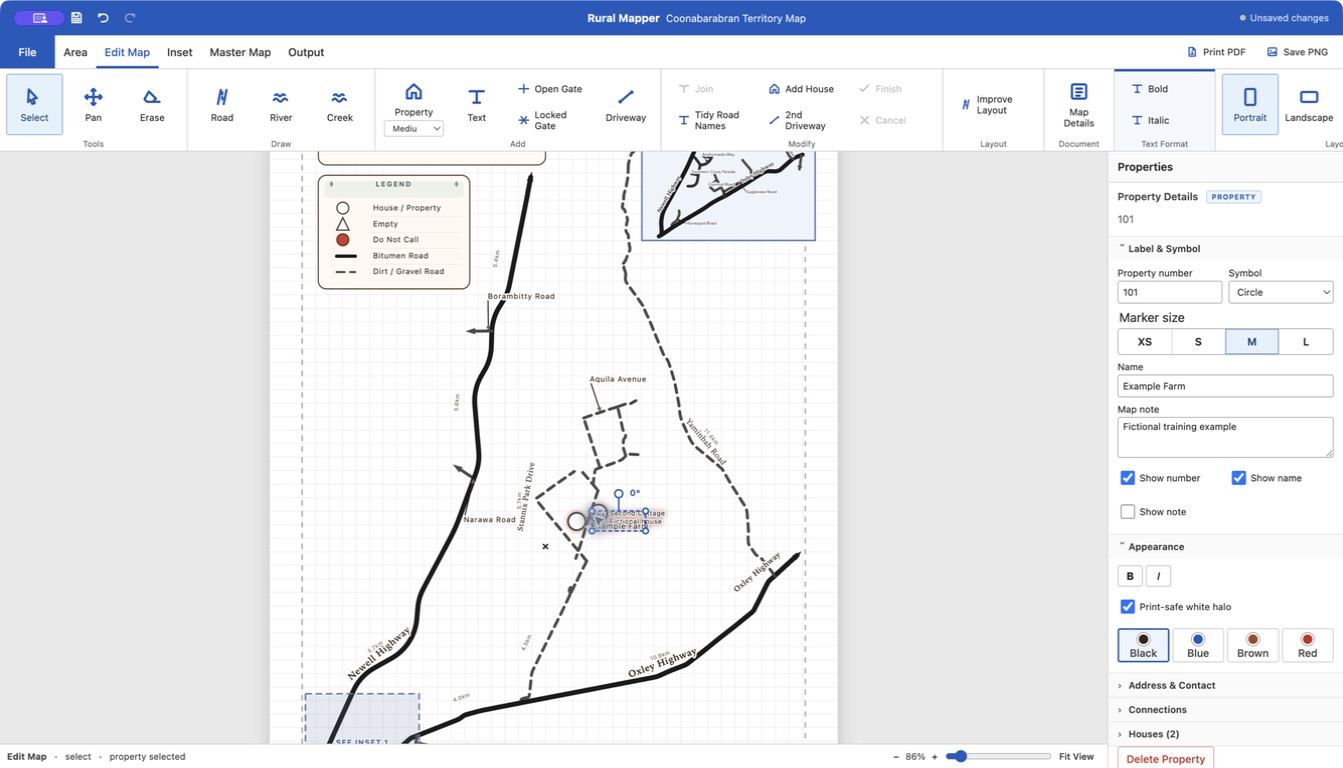
Drop in properties and houses, then move and edit them right on the page.
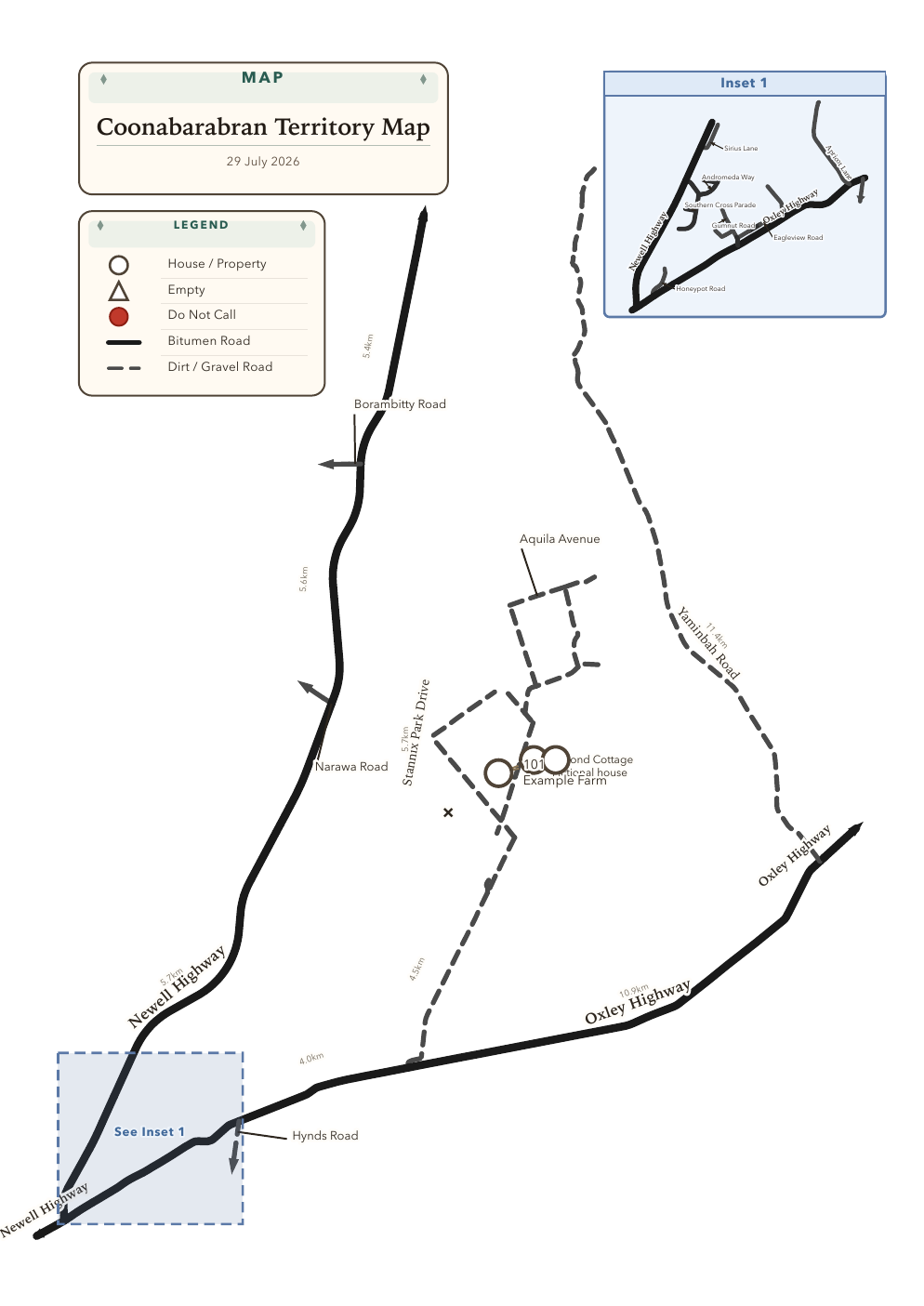
Make a clean PDF or PNG when the map looks right.
A CLOSER LOOK
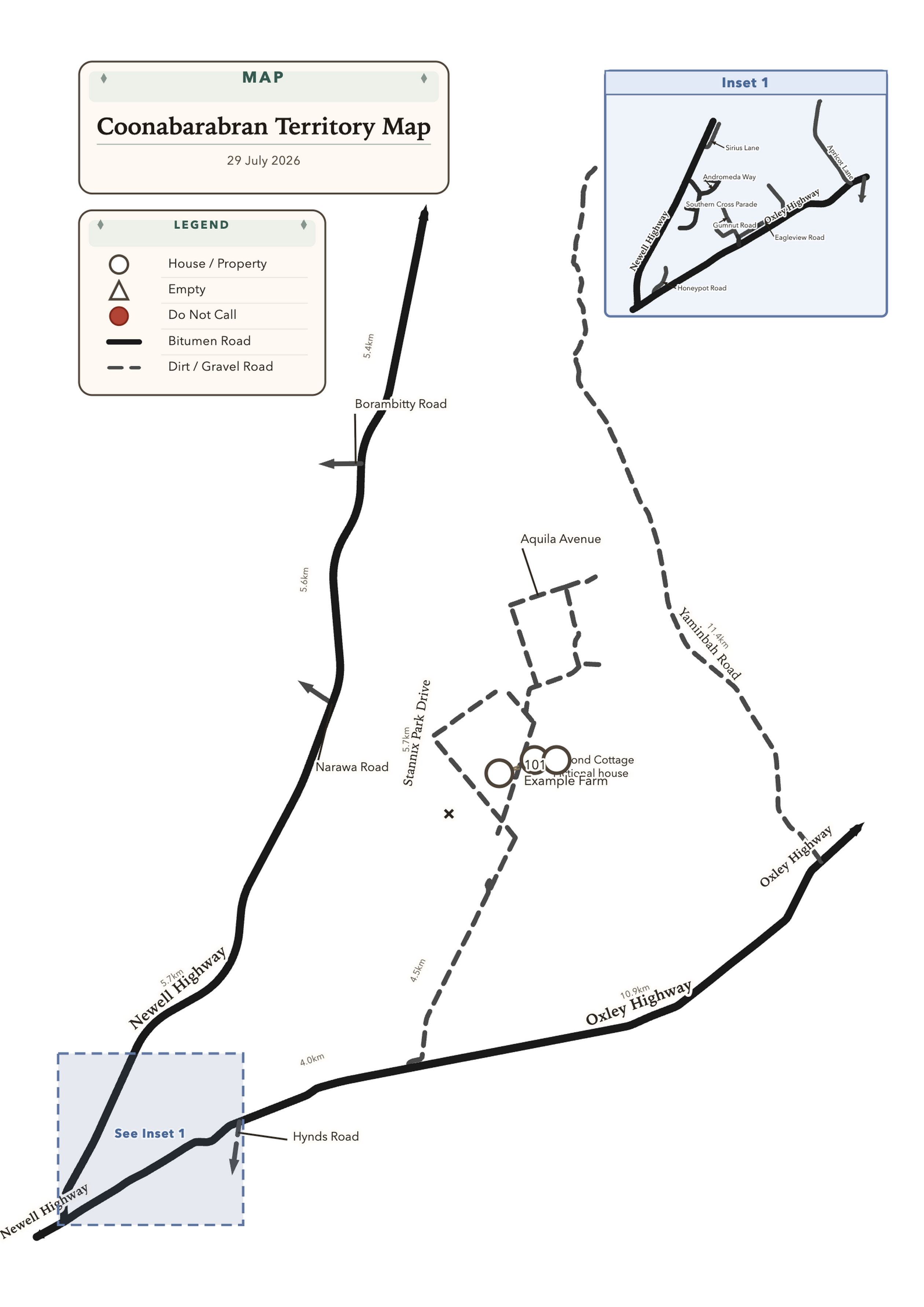
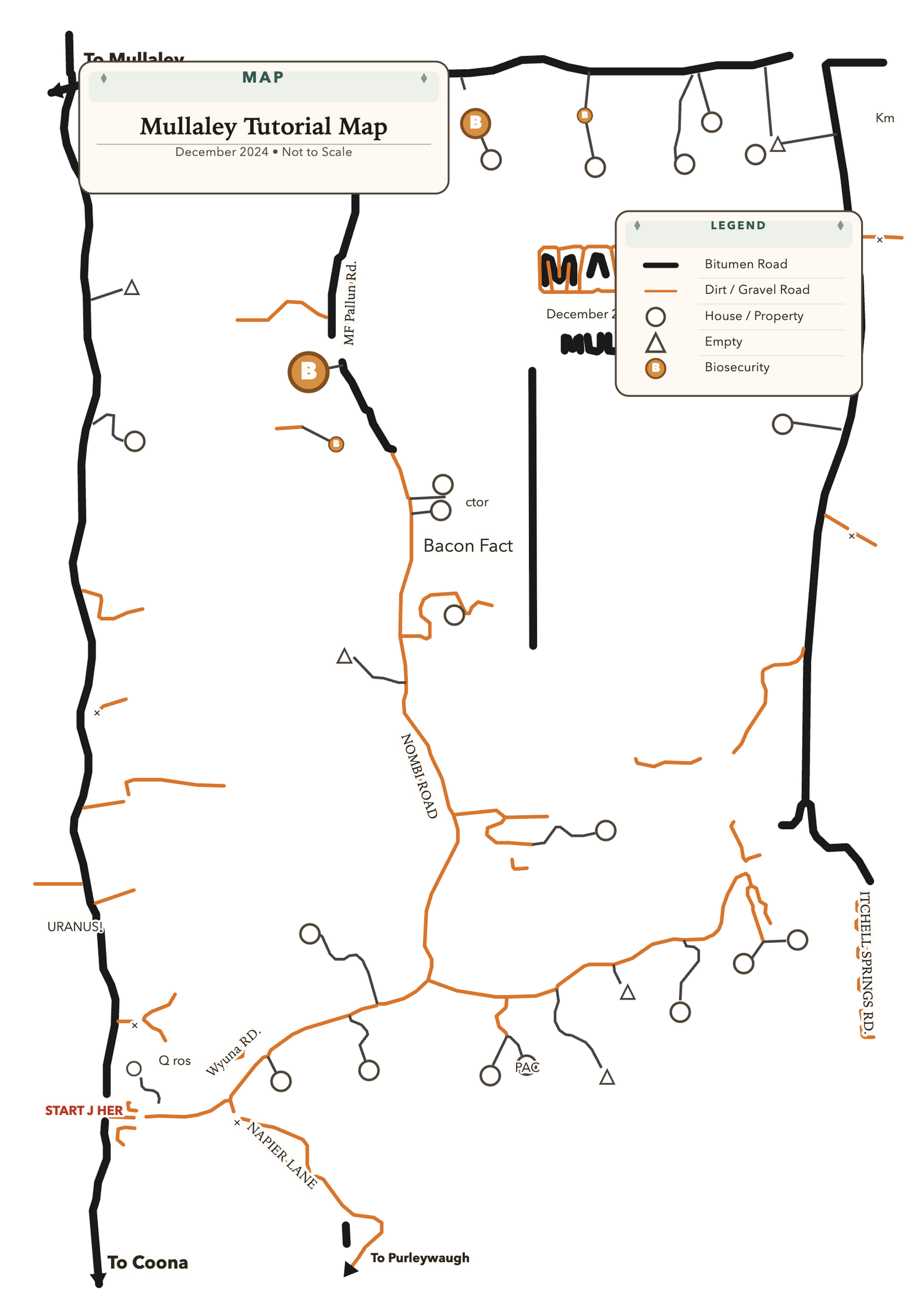
TAKE IT FOR A SPIN
Choose your computer. The app runs locally; no account is needed.
Mac download is for M-series Macs. Both packages are unsigned, so your computer may ask you to confirm opening them. SHA-256 checksums
A LITTLE EAR TRAINING
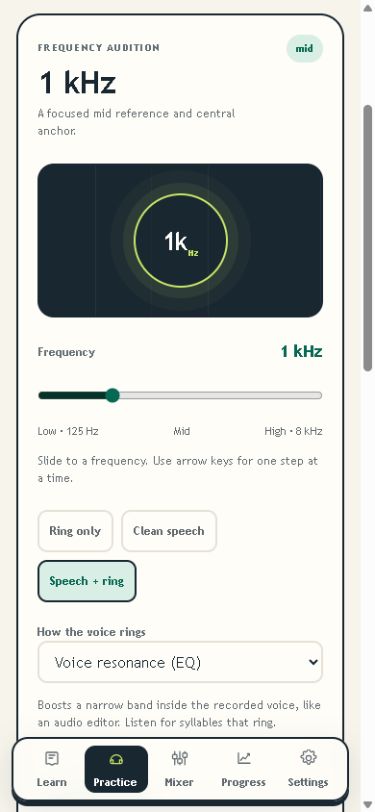
Ringing in the hall? Feedback on your sound? Sound in Mind helps you hear which frequencies are causing trouble. Think of it like Duolingo for sound: short listening lessons help you recognise different pitches, then hands-on mixer activities let you practise shaping the sound.
Open Sound in Mind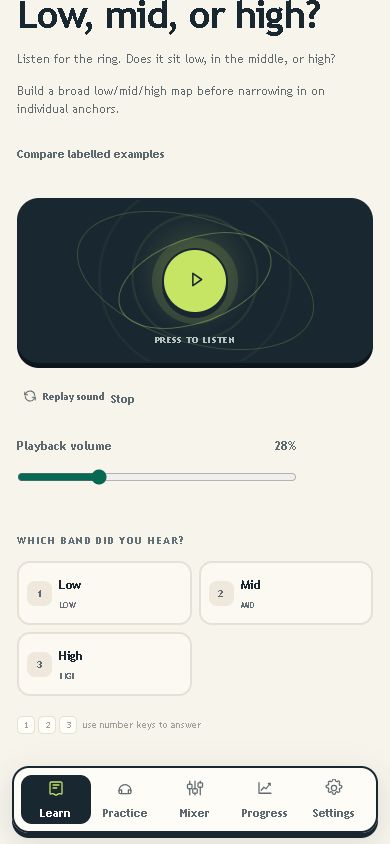
HELLO THERE
Hi! Feel free to leave a note with any question, idea or feedback. I would love to hear from you.